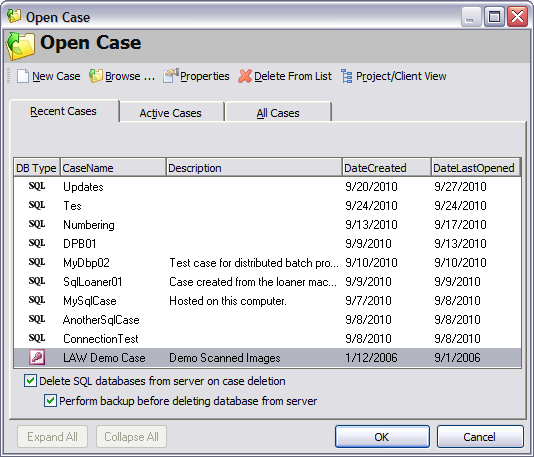
Use this method when using SQL Server for other applications in addition to CloudNine™ LAW. This option helps to prevent users of SQL Server from accessing and modifying any other existing databases.
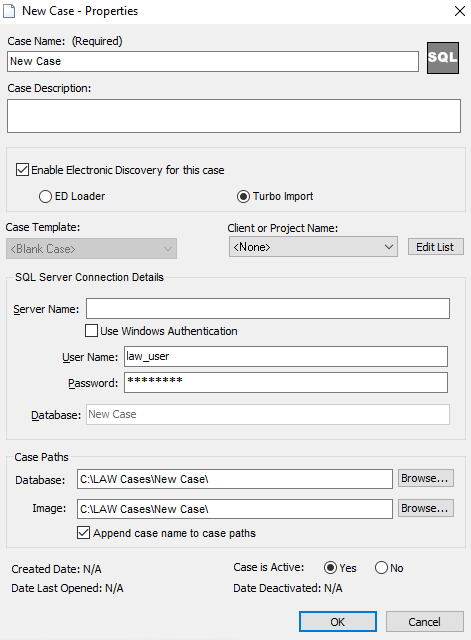
To create a generic global user account using this method:
•Setup a SQL Server user with create/modify permissions. •The user name and password should be: User: LAW_User
Pwd: (Contact customer support for assistance.)
When using the default user, the security mode for SQL Server must be set to SQL Server and Windows or mixed-mode authentication.
|
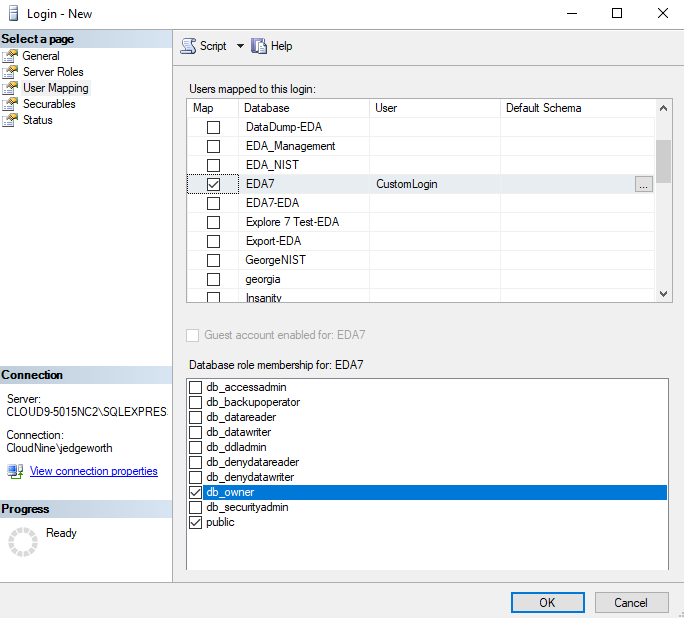
Use this method when using SQL Server for other applications in addition to CloudNine™ LAW. This option helps to prevent users of SQL Server from accessing and modifying any other existing databases yet provides additional security for your databases.
To create a custom SQL user account:
•Setup a SQL Server user with create/modify permissions. •The user name and password will be referenced whenever accessing SQL (Database management, NIST storage, File Type Database Management, and for caselist storage). User: (Custom SQL login following SQL Guidelines)
Pwd: (Custom password following SQL Guidelines)
When using this option, the security mode for SQL Server must be set to SQL Server and Windows for mixed-mode authentication.
|
This method allows a user to create SQL Server cases without adding a special user to SQL Server as long as the current user has database create permissions on the specified SQL Server. Windows integrated security may be used when accessing/creating SQL Server cases.
If using this method, each user must be set-up on the SQL Server to allow access to the case.
To enable this feature:
•Select the Use Windows NT integrated security option when specifying the database backend for newly created cases. |
 SQL Server User Account Options

 >Microsoft SQL Server>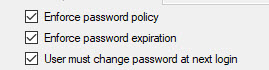
 and then select