Return to Topic
The Case Summary report provides a quick status of current optical character recognition (OCR) operations. This report is useful for answering basic questions related to billing and project status. The report lists these items: 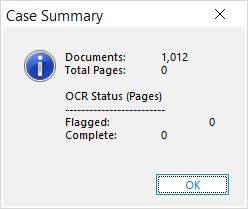
•Number of documents.
•Total pages.
•Number of pages flagged for OCR. For more information, see Flagging Documents/Pages for OCR.
•Number of pages completed.
|
This summary can be incorrect if invalid records or page counts exist in the database, both of which can be detected and/or corrected with the Scan for Errors functions. |

 To Create a Case Summary Report
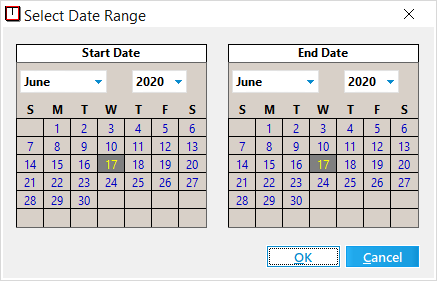
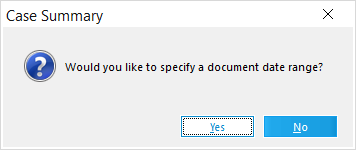
1. LAW prompts you to enter a date range for narrowing summary information. 2.Do one of the following: •Click No to generate a report for all dates. Or •Click Yes to specify a date range. Use the calendar controls to specify a start and end date. These dates apply to document creation dates. After you have selected a data range, click OK.
|
 On the